I searched "downloader firestick" because every YouTube thumbnail printed a five-digit code next to an orange square. The comments treated that square as the TV service. I installed the AFTVnews listing from the Amazon Appstore, opened it, and got a URL bar. No guide. No Sky. A file manager waiting for a string.
That bar is this page. The how to download IPTV on Firestick guide is the full ladder: Appstore, APK, then Xtream. Hardware that still accepts unknown apps lives in the Firestick IPTV pillar. Why a player ships empty is the IPTV app for Firestick piece. Here I stay on the orange icon: which listing is real, why the first screen is blank, why a YouTube overlay is the wrong string, and why the file it fetches is still not live TV.
What is Downloader on a Firestick, if it is not IPTV?
A tiny browser with a Go button. You type a short code or a URL. It saves an APK. You tap Install. That is the whole product. Customer-voice notes we keep say the same thing: the orange icon looks like a file manager, and people do not know what it is for until the login wall appears later.
| Thing people mash together | What Downloader actually is | What it is not |
|---|---|---|
| The orange Appstore icon | AFTVnews file fetcher. Free. Amazon Appstore. Official sideload pipe on Fire OS. | A channel pack. iptvforum.net still says the stick supports Downloader without modifying the OS. That sentence is about sideloading, not about live TV. |
| The code in the URL bar | A pointer to a player APK. Ours arrives in the activation email after a trial or an order. | A public "Downloader firestick code" from a thumbnail. I will not print one here. |
| The APK that lands | A player skin. IPTV Smarters is the free default our Firestick setup guide still walks. TiviMate is the other install. | Sky Sports. Premier League. A year of service. |
| The login after Open | Username, password, server URL from us. The 1-connection month on our pricing page is $25. | Anything Downloader stored. The orange app forgets the match the second you leave the bar. |
Licensed apps on the same stick work the other way around. YouTube TV's homepage this morning still shows the 100-plus channel row at $82.99/mo on YouTube TV (the crossed-out figure next to a $59.99 three-month intro). That icon is the service. Downloader is the opposite: a pipe. Compare our monthly line to YouTube TV after Xtream takes, not the orange tile to their $82.99/mo.
Which Downloader listing is the real one?
The Amazon Appstore result by AFTVnews. Orange icon. Price $0. That is the listing our setup email names. I am not drawing Amazon's search UI. They shuffle those cards.
What I actually type on the 4K Max: Find, then the word Downloader, then the AFTVnews publisher line. Clone tiles show up under "file downloader" and "downloader apk" searches. Skip those. A random APK from a phone browser is a different app, and it still contains no channels.
tivimate.com loaded this morning as a JavaScript shell. The static HTML did not contain a numeric code and did not mention Downloader. Older guides still paste 272483 as if it were printed on the homepage. I am not repeating a string I cannot see live. After a trial we email the short code Downloader understands, or the full APK URL in that same mail. Anything else is someone else's funnel.
Original IPTV Smarters packages on Google Play still 404'd today (com.nst.iptvsmarterspro among them). Fire OS cannot use Play anyway. Stay on the APK the email attached. A clone from a phone search is not the AFTVnews listing, and it is not our line.
Why is Downloader a white screen, or why will the APK not install?
Two switches people skip, then one string they typed from a thumbnail.
- JavaScript is off inside Downloader. The first page is a white blank. Open Downloader's own settings, turn JavaScript on, retry. The customer-voice file we keep from July still lists this as the boring miss after a fresh Appstore install.
- Unknown apps is still off for Downloader. Amazon split that permission per app in 2025. Settings, My Fire TV, Developer Options, then the Downloader row only. Leave it off and the file downloads into limbo. The install prompt never finishes. Some firmwares hide Developer Options until you tap the build number on About seven times. It feels like a hack. It is Amazon's own switch.
- The URL bar has a YouTube overlay, or a space at the end. ManIPTV's 14 March 2026 setup note still matches what I hit: one trailing space fails. Copy from the activation email. Do not retype from memory. Do not type a code from a thumbnail.
None of those three is "Downloader is broken." The orange app did what it always does. The stick, the per-app toggle, or the string was wrong.
Will Downloader even run on the stick I just bought?
Only if that stick still runs Fire OS. Vega OS will not show the old unknown-apps path, will not keep the AFTVnews listing working the way this page describes, and will not grow a sideload toggle after you pay the shop.
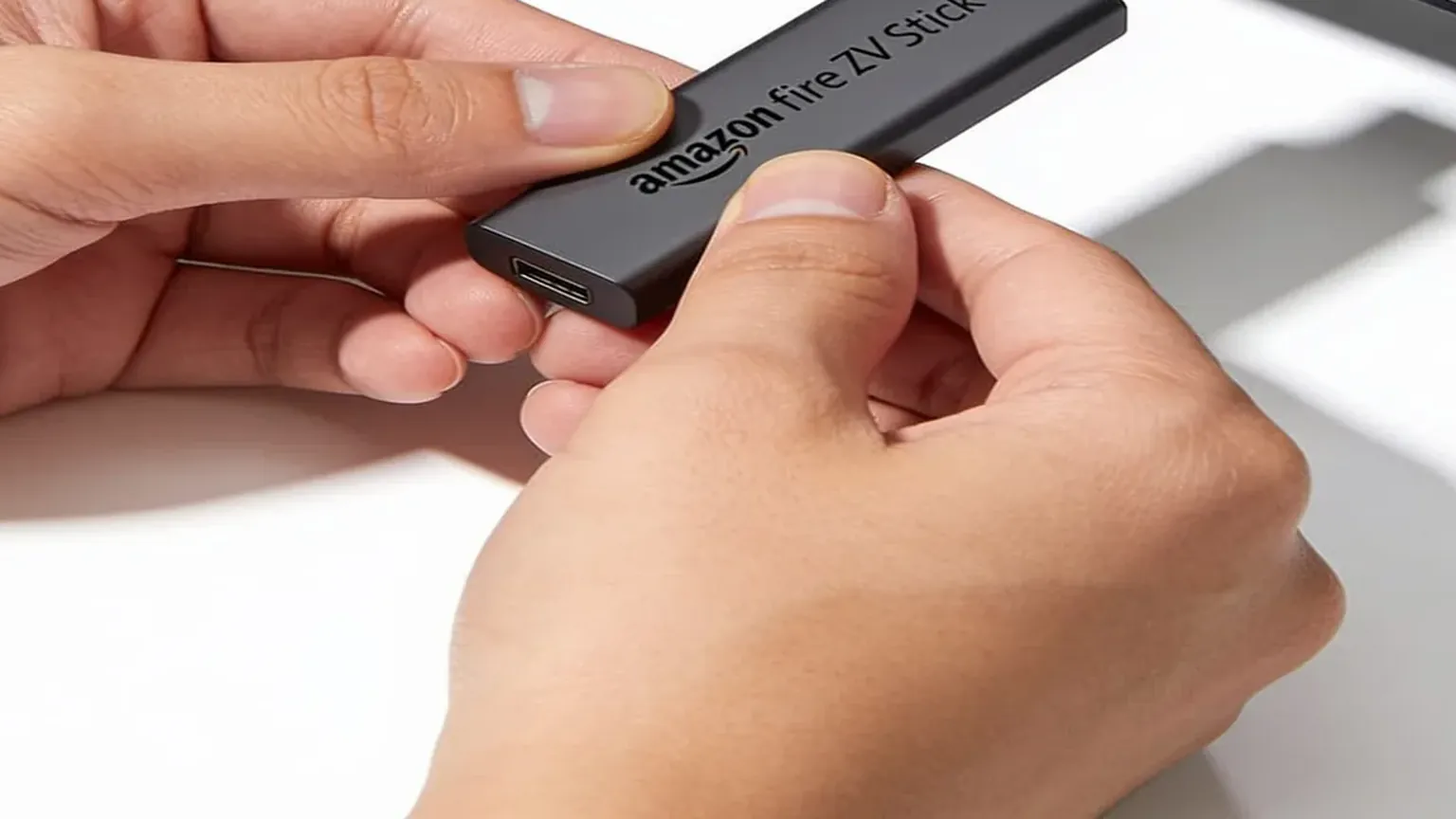
I run this on a Fire TV Stick 4K Max I paid Amazon $59.99 list for, one time, in a shop. The older Fire TV Stick 4K at $49.99 list still ran Fire OS as of June 2026. Skip the Fire TV Stick 4K Select at $39.99 list and the second-gen Fire TV Stick HD at $34.99 list (in shops since 29 April 2026). Both of those SKUs run Vega OS. We do not sell hardware. Amazon, Best Buy, and Walmart do.
Scharon Harding wrote the Vega confirmation for Ars Technica on 17 April 2026: new Fire TV Sticks, from the 4K Select onward, ship Vega and drop consumer sideloading. I keep Harding's April 2026 Ars Fire Stick write-up bookmarked. Jeff at AFTVnews published the aisle test I still use on 11 June 2026. Wi-Fi 5 plus squared corners still meant Fire OS that week. Wi-Fi 6, rounded corners, and "Fire TV" stamped on the plastic meant Vega. Check the box print in the aisle, not a blog that says every model still sideloads.
PLIMA4K's February 2026 setup post still told people every Lite, 4K, and 4K Max still works. That sentence is why this page exists. A discounted 4K Select is still a locked Linux box. Emailing help@firestickiptvs.com will not unlock Downloader on it. If the 4K Max already in your HDMI port still fetches unknown apps, keep that hardware.
What should I type into Downloader, and when am I done with this app?
The short numeric code from our activation email, or the full APK URL in that same mail. Press Go. After the file finishes, use Install, then Open. A player tile shows up. Channels do not. Downloader's job is finished. You can leave the orange icon alone until the next APK.
On first launch, use Login with Xtream Codes API inside Smarters, or add a playlist inside TiviMate. Paste username, password, and server URL from the same email. Smarters' 4K Max kick-out and TiviMate's EPG bloat are out of scope here. Those live on IPTV Smarters Pro Firestick and TiviMate Firestick. This page ends when the orange app has fetched a file and the login wall is honest about what it wants.
Already holding credentials from us? The six clicks with the screens you actually see sit on the setup guide. No line yet? Start the trial so the URL bar has a real code. An empty bar is how people end up on thumbnail codes.
How do I test Downloader on the stick I actually sit in front of?
Grab the two-day trial. No card. We email an activation. Run the AFTVnews listing on the stick behind the sofa you use on Saturday, not the spare in the kitchen, not a midday test on a phone.
- The orange icon is on the Fire OS apps row and opens a URL bar, not a white blank. If JavaScript is off, flip it before you blame the code.
- The player icon appears after Install. If it never appeared, you are still on Downloader, not on the line.
- Xtream accepts the three fields, and a live category fills. A pretty home screen with a black Live tab is a bad login, not a bad orange app.
- Open the match or the show you actually watch, at the hour you actually watch it, and leave it on for 40 minutes.
Picture holds? Order the same plan. Match dies during the two days? You were never billed. When the window closes, the feed stops. No card on file means nothing renews later.
Comments mash this with Hulu because both sit on the stick as an icon. Hulu's live-TV page this morning still sells Hulu + Live TV (Disney+ and ESPN in the same offer block) at $99.99/mo on Hulu, with a one-month $49.99/mo teaser. Those channels already live inside Hulu's own app. A $0 AFTVnews install is not that bundle. Stack our monthly line against Hulu after the player actually opens. The 1-connection month on our grid is $25; the year is $90.
Sideloaded players have been in the news this year too. The February iGeneration piece said a current Fire TV Stick can disable some apps that point at unlicensed streams, and that the sweep is not universal. LADbible printed the on-device warning in January: "One or more apps on your device have been identified as using or providing access to unlicensed content." If that banner hits the player Downloader just fetched, the orange app succeeded and Amazon later disabled the icon. That is a different problem from Vega. Put the login on an email you own. Do not jailbreak the stick to dodge a banner.
I paid Amazon for the 4K Max. I fetched Downloader myself. I keep the login on an email I control. Downloader firestick, for me, is Appstore, orange icon, the APK from our mail, then I close that app. The thing that puts a match on the glass is the line behind the next login. Ours is the line I keep on that stick. Yours has to survive your house. That is why the trial exists.
Common questions
Is Downloader the IPTV app for Firestick?
No. Downloader is a free file fetcher by AFTVnews on the Amazon Appstore. The player is a later APK. Channels sit behind a username, password, and server URL. Our 1-screen monthly line is $25. You pay for the line, not for the orange tile.
Does Downloader work on a Fire TV Stick 4K Select?
Not with this path. Amazon still lists the 4K Select at $39.99 and the 2026 HD stick at $34.99, and both run Vega OS. Harding's April 2026 Ars piece is the confirmation that new sticks drop consumer sideloading. Buy a Fire OS 4K or 4K Max from a shop if you want the AFTVnews listing. We do not sell the hardware.
Downloader installed. Why is the new player still empty?
That is expected. Paste Xtream from the activation email. One extra space fails. The orange app never contained channels. Rank the paid line on the best IPTV for Firestick page after the picture holds, not while you are still staring at the URL bar.
Where do I get a Downloader code that is not from YouTube?
From our activation email, after the two-day trial or an order. No card on the trial. Install the AFTVnews listing on the stick you actually watch on. Use that mail, not a thumbnail overlay. The same login carries into a paid month if Saturday holds. If it dies, walk away. The form never asked for a card.
If a Fire OS stick already sits behind your TV, you are about ten minutes from an orange icon and a URL bar. Grab the trial, type the email code, and close Downloader when the player appears. The hard part was never the Appstore listing. Thinking the orange tile was the TV was the mix-up.