I searched "iptv smarters pro firestick" because that is the name sitting in the activation email. Half the results sold a Downloader code. The other half pointed at a Play Store listing that is not the original app. I sideloaded Smarters the way our Firestick setup guide still walks, opened it, and got a login screen. Live TV was not in the APK. The APK was waiting for three fields.
That login screen is this page. Which Fire OS boxes still take unknown apps is in the Firestick IPTV pillar. Why a player ships with no TV is in the IPTV app for Firestick guide. The TiviMate Firestick article is the other install. This one is Smarters: Downloader, the APK we email, the Xtream row, and the two bugs people actually hit on a 4K Max.
Will IPTV Smarters Pro even install on my Firestick?
Only on Fire OS. Vega OS will not sideload Smarters, Downloader, or a clone APK from a Play search. The player cannot unlock a locked box.
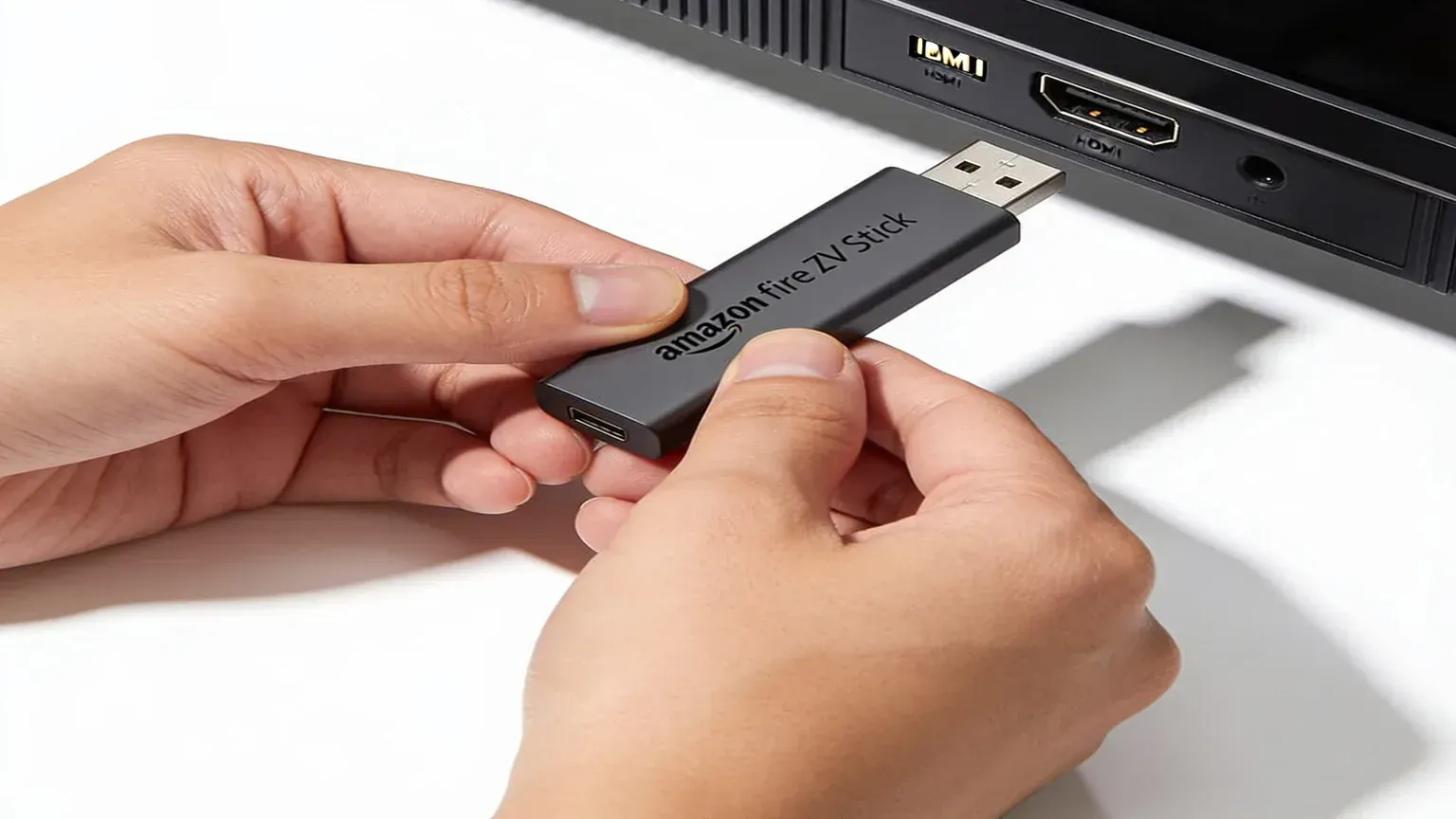
I run this on a Fire TV Stick 4K Max. If you do not own a stick yet and you want Smarters on it, buy a Fire TV Stick 4K Max, $59.99 list at Amazon, or the older Fire TV Stick 4K at $49.99 list. Both still ran Fire OS as of June 2026. Skip a Fire TV Stick 4K Select ($39.99) and the second-generation Fire TV Stick HD ($34.99, ships since 29 April 2026). Those two run Vega OS. We do not ship a stick. Amazon, Best Buy, and Walmart do.
On 17 April 2026 Ars Technica wrote that new Fire TV Sticks, starting with the 4K Select, ship Vega and drop consumer sideloading. AFTVnews put the shop-floor check up on 11 June 2026. Squared corners and Wi-Fi 5 on the box still mean Fire OS. Rounded corners, Wi-Fi 6, and "Fire TV" printed on the plastic mean Vega. Read the box before you pay the shop.
Already own a 4K Max that sideloads? Keep it. Swapping it for a 4K Select is how people email help@firestickiptvs.com asking why Downloader vanished. I am writing this for a stick that still lets unknown apps through the HDMI port.
How do I sideload IPTV Smarters Pro on a Firestick?
I am not going to fake a Fire TV settings screenshot. Amazon renames those menus on firmware drops. Words only, same path as /app.
- On Fire OS, go Settings > My Fire TV > Developer Options. Enable unknown apps for Downloader only. Amazon split that switch per app in 2025. Leave Downloader off and the APK sits in limbo.
- Get Downloader from the Amazon Appstore. Free, orange icon, AFTVnews listing. Downloader fetches files. It is not IPTV Smarters. If the page loads blank, turn JavaScript on inside Downloader first.
- In Downloader, type the short numeric code from the activation email, or the full APK URL in that same email. Press Go. That file is IPTV Smarters, a few megabytes. It is not a year of TV.
- Tap Install, then Open. The first launch is a login wall: Live, Movies, Series stay dark until you pick Login with Xtream Codes API. That is correct. Do not hunt a "Smarters IPTV" year of channels in the same receipt. The vendor of the player is not us. We sell the line.
Google Play this morning, 26 September 2026, still 404s the old packages I checked: com.nst.iptvsmarterstvbox, com.whmsolutions.iptvsmarters, com.nst.iptvsmarterspro, and the siblings. A search for "IPTV Smarters Pro" is a clone pile. One live listing, Tech Smarters on com.smarterspro.smartersprotv, even says it is "strictly a standalone media player" and "does not provide, host, sell, or promote any media content, TV channels, or streaming services." That is a different app. Fire OS cannot use Play anyway. Stay on the APK from the email.
Downloader failing usually means Vega, the per-app unknown-sources switch still off, or a space in the URL. Check those three. Then look at Smarters.
What do I paste into IPTV Smarters Pro after it opens?
Three fields from a paid line: username, password, server URL. Smarters puts them under Login with Xtream Codes API. The activation email has the same trio. One extra space is enough to fail.
| Field in IPTV Smarters Pro | What it is | Who sells it |
|---|---|---|
| Username / password | Login for the live-TV line | Us, in the activation email. One-screen plans start at $25 a month on the pricing page |
| Server URL | Xtream endpoint. Type it exactly | Us. Same email. A trailing space still fails in 2026 |
| Any Play clone named Smarters Pro | A different player. No channels either | Not us. Not the APK in the email. Original packages 404'd this morning |
| The Firestick | HDMI hardware you already plugged in | Amazon, Best Buy, Walmart. Fire TV Stick 4K Max is $59.99 list at Amazon, one-time |
Open Smarters, pick Login with Xtream Codes API, type the three fields, wait about 30 seconds. If live channels open and the guide stays thin, set the EPG update to every 24 hours in Smarters settings. That is not a dead line. A black Live tab usually means a bad login, or Vega blocking the APK in the first place.
People mash this with YouTube TV because both sit on the stick as an icon. They are not the same product. YouTube TV's welcome page this morning still lists the main YouTube TV plan at $82.99/mo. That app is the service. IPTV Smarters Pro is the opposite. It stays dark until the Xtream row from our email is in it.
Why does IPTV Smarters Pro kick me out, or refuse to add the playlist?
Two different bugs. One is the 4K Max kicking live TV after a few minutes. The other is Smarters bouncing back to the home screen after a reinstall and never saving Xtream.
u/Fatima2021 on r/firetvstick upgraded to a Firestick 4K Max 2nd gen and watched Smarters dump live TV after a few minutes. Series still played. The same Wi-Fi held a different player. Source: r/firetvstick, issue with Firestick 4K. If that is your pattern, you found an app problem, not a dead line. Same Xtream row in TiviMate is the cheap test. If TiviMate holds the match that Smarters drops, keep TiviMate as the daily player and leave Smarters as the fallback the email mentioned.
The other pattern is older. u/Glum-Self-1206 (and a pile of replies: Frexido, jrig13, kevinthebaconator) uninstalled Smarters, sideloaded a fresh APK, typed a login that still worked on a phone, and landed on the main page with no playlist saved. The fix that got the most votes: install the older IPTV Smarters 4.0.4 APK, not the newest file a random blog linked. iOS cannot downgrade. Fire OS can, if you still have the 4.0.4 file. Ask us for the build our email currently ships before you grab a 4.0.4 off a forum.
A third cheap miss from the same Firestick threads: the URL. u/Topdawggtv had no picture on the stick while the phone on the same Wi-Fi was fine, until they swapped https:// for http:// in the playlist. Their note was blunt: the Firestick did not like HTTPS. Try that before you cancel. Trailing space is the other classic. Copy the three fields. Do not retype them.
Once the login holds, open Smarters settings and turn on Anti-Freeze. That is the in-app name for a longer buffer. Pair it with 5 GHz, not 2.4. A USB Ethernet dongle is the other fix (later node). A VPN is optional. If the picture dies every night between 7pm and 10pm while Speedtest still looks fine, that is ISP shaping, not a missing Smarters skin.
How do I test IPTV Smarters Pro on Firestick before I pay?
Grab the two-day trial. No card. We email an activation. Sideload Smarters on the stick you actually sit in front of. A spare in the kitchen lies. So does a midday test.
Four cheap checks, all inside Smarters:
- Open the match or the show you actually watch, at the hour you actually watch it.
- Change channel ten times. A pretty home screen with sticky zaps is a different product from a pretty home screen that stalls.
- Leave it on for 40 minutes. The kick-out after a few minutes is the 4K Max pattern. Catch it on the trial.
- If Smarters drops a channel that TiviMate holds, or the other way around, you found an app problem. Same Xtream row in both. Rank the paid line on the best IPTV for Firestick page. This page is only the Smarters install.
If the match holds, order that same plan. If it falls over, you were never billed. The two days end and the feed stops. There is no card, so there is no auto-renewal. Comments also mash this with Hulu. Hulu's live-TV page this morning still prices Hulu + Live TV with Disney+ and ESPN Select at $99.99/month on Hulu. That Hulu bundle is licensed TV with its own channels baked in. Do not compare a free Smarters APK to that number. Compare our monthly line to it, after Smarters actually opens. The 1-screen grid on pricing is $25 a month, or $90 a year.
I bought the 4K Max in a shop. I loaded IPTV Smarters Pro myself. I keep the login on an email I control. The IPTV Smarters Pro Firestick setup, for me, is Downloader, the APK from the email, then the Xtream row from our trial. The thing that puts a match on the glass is the line behind the login. Ours is the line I keep on that stick. Yours has to survive your house. That is why the trial exists.
Common questions
Can I install IPTV Smarters Pro from the Amazon Appstore or Google Play?
Not as the original app. Amazon search returned HTTP 503 this morning, and the old Play packages 404'd. On a Fire OS stick you sideload the APK from the activation email with Downloader. A Vega box (Fire TV Stick 4K Select, $39.99, or the 2026 HD stick, $34.99) will not take that APK the old way. We do not sell the hardware.
Does IPTV Smarters Pro include live TV channels?
No. Smarters is a player. The clone listing that still ranks for the name even says it does not provide TV channels. Live TV comes from a separate IPTV subscription. That subscription is what we sell, from $25 a month.
Why does IPTV Smarters Pro fail after I reinstall it?
A fresh APK that will not save Xtream is a known Smarters bug, not a dead login. People on that thread rolled back to IPTV Smarters 4.0.4. Ask us for the build the email currently ships. Also strip a trailing space, and try http:// if https:// dies only on the stick.
How do I test IPTV Smarters Pro on Firestick before I pay?
Grab the two-day trial. No card. Sideload Smarters on the stick you actually watch on. Copy the Xtream trio from the activation email. Open a live channel at your usual hour. If the picture holds, the paid grid is the same feed. If it falls over, leave. Nobody billed you.
If the 4K Max already sits behind your TV, you are about twenty minutes from a Smarters login that opens. Grab the trial, paste Xtream, and watch the thing you actually care about. The APK was never the hard part. The login wall was the clue.