
I searched "tivimate firestick" the night I wanted a proper guide on the 4K Max, not another six-icon roundup. Every result dumped a Downloader code and called it done. I installed TiviMate, opened it, and stared at an empty playlist. The app had done its job. I had not typed a login yet.
That empty screen is the whole page. The Firestick IPTV pillar covers which sticks still sideload. The IPTV app for Firestick guide explains why any player is empty. This one is the install: TiviMate on a Fire OS stick, the Xtream row, and the bill that belongs to Armobsoft instead of to us.
Will TiviMate even install on my Firestick?
Only on Fire OS. Vega OS will not sideload TiviMate, Downloader, or anything else the old way. The player cannot save a locked box.
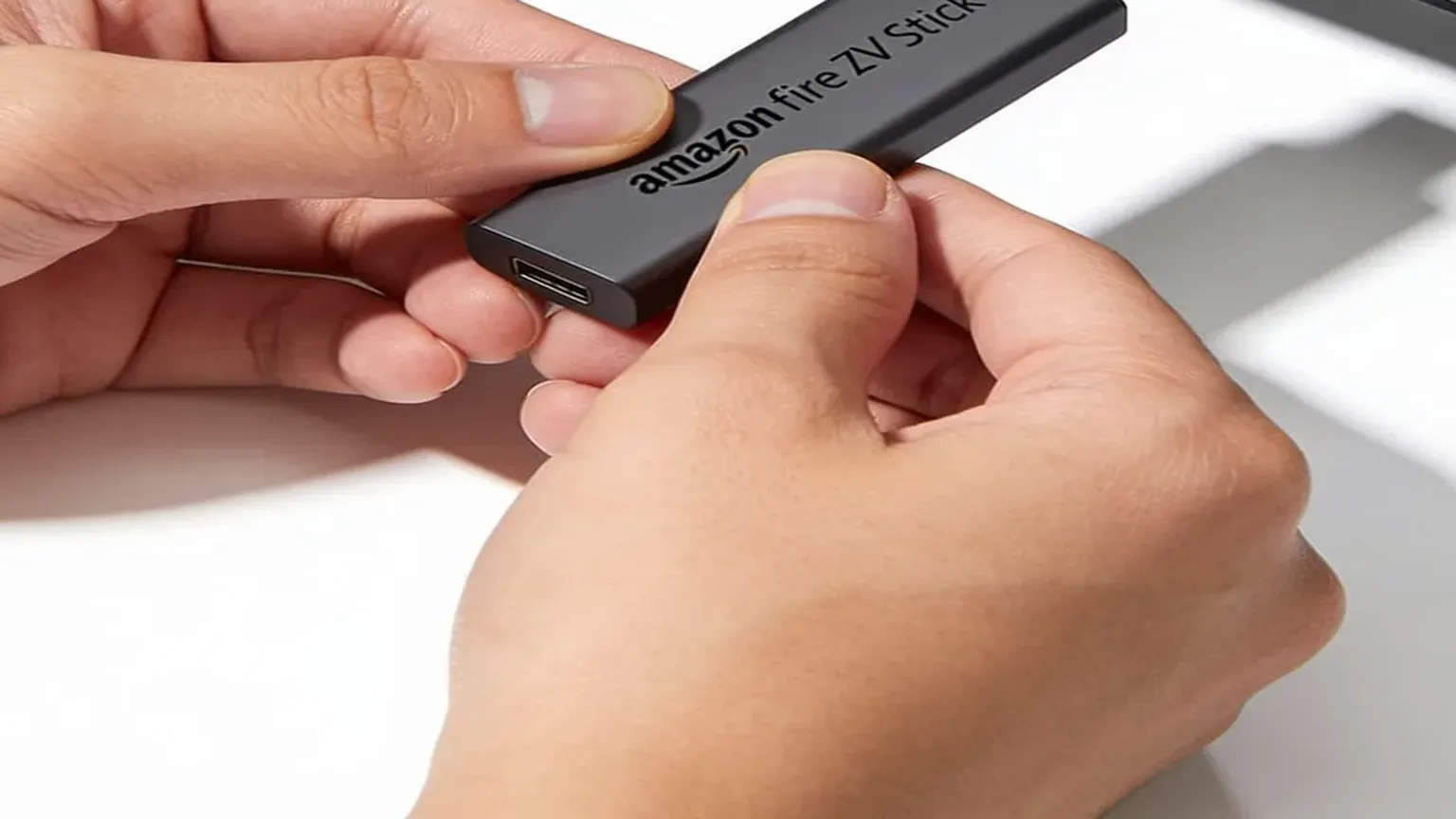
I run this on a Fire TV Stick 4K Max. If you do not own a stick yet and you want TiviMate on it, buy a Fire TV Stick 4K Max, $59.99 list at Amazon, or the older Fire TV Stick 4K at $49.99 list. Both still ran Fire OS as of June 2026. Do not buy a Fire TV Stick 4K Select ($39.99) or the second-generation Fire TV Stick HD ($34.99, ships since 29 April 2026). Those two run Vega OS. TiviMate is not in the Amazon Appstore, so a Vega stick is a Netflix box.
Ars Technica reported the lock on 17 April 2026: from the 4K Select onward, future Fire TV Sticks run Vega and do not support consumer sideloading. AFTVnews published the aisle test on 11 June 2026. Wi-Fi 5, squared corners, no "Fire TV" print on the plastic is Fire OS. Wi-Fi 6, rounded corners, "Fire TV" on the stick is Vega. Read the box. We do not ship a stick. Amazon, Best Buy, and Walmart do.
Already own a 4K Max that sideloads? Keep it. "Upgrading" into a 4K Select is how people email help@firestickiptvs.com asking why Downloader vanished. This page assumes the stick in the HDMI port still lets you install unknown apps.
How do I sideload TiviMate on a Firestick?
I will not fake Fire TV settings. Amazon changes those labels every firmware, and a generated menu is a wrong menu. Words only.
- On a Fire OS stick, open Settings, then My Fire TV, then Developer Options. Turn on installs from unknown sources for Downloader. Since 2025 that toggle is per-app, not one global switch. If Downloader is off, the APK never lands.
- Install Downloader from the Amazon Appstore. It is free. Orange icon, listed by AFTVnews. That is the sideload pipe, not the player. Open it and turn JavaScript on if the download page looks blank.
- In Downloader, fetch the TiviMate APK from the official player site at tivimate.com. Our activation email still walks IPTV Smarters, because that is the free default on the Firestick setup guide. TiviMate is a second APK, same stick, same later login.
- Tap Install, then Open. The first launch is an empty playlist. That is correct. Do not hunt a "TiviMate IPTV" year of TV in the same receipt. Armobsoft FZE sells the player. We sell the line.
Google Play this morning, 25 September 2026, still names the listing "TiviMate IPTV Player" under Armobsoft FZE, package ar.tvplayer.tv. The description is blunt: "TiviMate is a media player only and does not provide any content." The next sentence is the one YouTube skips: "To watch anything, you must add your own playlists." Fire OS cannot use that Play listing. The APK you sideload is the same app. The store page is how I check the price and the disclaimer.
If Downloader errors, the stick is on Vega, unknown sources is still off for that app, or the download URL has a space. Fix those three before you blame TiviMate.
What do I paste into TiviMate after it opens?
A username, a password, and a server URL from a paid line. TiviMate calls that a playlist. We send it as Xtream Codes. Same three fields Smarters asks for. One extra space is enough to fail.
| Field in TiviMate | What it is | Who sells it |
|---|---|---|
| Username / password | Login for the live-TV line | Us, in the activation email. 1-screen plans start at $25 a month on the pricing page |
| Server URL | Xtream endpoint. Type it exactly | Us. Same email. ManIPTV's setup notes still flag a trailing space in 2026 |
| TiviMate Premium | Player skins, extra EPG days, multi-view. No channels | Armobsoft. TiviMate Premium is $33.99 lifetime on Google Play |
| The Firestick | HDMI hardware you already plugged in | Amazon, Best Buy, Walmart. Fire TV Stick 4K Max is $59.99 list at Amazon, one-time |
Add playlist, pick Xtream Codes, type the three fields, wait about 30 seconds. If live channels open and the guide stays blank, the EPG URL is wrong or still loading. That is not a dead line. If nothing plays, the login is wrong or the stick is on Vega.
People mix this up with YouTube TV because both sit on the stick as an icon. They are not the same product. YouTube TV's welcome page this morning still prices the main plan at $82.99/mo on YouTube TV. That app is the service. TiviMate is the opposite. Empty until you paste a login we emailed you.
Does paying for TiviMate Premium get me live TV?
No. Paying Armobsoft gets you a nicer player. Paying us gets you the channels that player displays.
I keep repeating that because the SERP still sells "TiviMate IPTV" as one SKU. They are not. TiviMate Premium is $33.99 lifetime on Google Play for TiviMate Premium. The Play listing I pulled today says any paid upgrade "unlocks application features only; it does not include, or provide access to, any channels, streams, or media content." Our 1-screen line is $25 a month, or $90 a year, on the pricing page. Different sellers, different jobs, different refunds.
The free TiviMate build plays the playlist. Premium is optional. I run Premium on the 4K Max because the extra EPG days and multi-view are worth it to me. It still includes no Sky Sports, no ESPN, no catch-up library. Those come from the line. Mix the receipts and you will think TiviMate Premium's $33.99 on Google Play bought a sports channel. It bought skins.
A reseller named "TiviMate something" selling a year of TV under the app's brand is selling a line, not Armobsoft's player. Walk away from crypto-only, no trial, WhatsApp as the only paper trail. Our trial is two days, no card, and the paid grid is the same feed. That is the test the player is for.
Why is TiviMate slow, or why is the guide blank?
The program is small. The guide is what fills the stick. Load four fat playlists and TiviMate will feel like a Lite even on a Max.
r/TiviMate is where this argument still lives, because r/firetvstick bans the word IPTV in the sidebar. u/Prowler1999 measured it with four services loaded: TiviMate took 28.60 MB for the program and 676 MB of data. Sparkle, on the same stick, was 24.51 MB and 401 MB. Source: r/TiviMate, OTT vs TiviMate. u/nwoidaho's correction in that thread still holds. The program is small. The EPG data is what bloats the device.
On a Firestick Lite that matters. Our FAQ still says the base 8GB Lite works, and it does if you leave free space. I would still spend the extra on a Fire TV Stick 4K Max, $59.99 list at Amazon, if you live in TiviMate. Trim groups so you are not caching every adult, 24/7, and duplicate region at once. If a few channels fail while the rest hold, that can be the internal player. u/Drixxter in the same thread had to hop to an external player for those. Try that before you cancel the line.
Buffer 10 to 15 seconds in TiviMate if evening zaps hitch. Use 5 GHz, not 2.4. An Ethernet adapter is the other fix, and that is a later node. A VPN is optional. If the picture dies every night between 7pm and 10pm while Speedtest still looks fine, that is ISP shaping, not a missing TiviMate skin.
How do I test TiviMate on Firestick before I pay?
Start the 2-day free trial with no card. We email an activation. You sideload TiviMate on the stick you actually sit in front of. A spare in the kitchen lies. So does a midday test.
Then do four cheap checks the player itself can show you:
- Open a live match or a prime-time show at your usual hour.
- Change channel ten times. A pretty EPG with sticky zaps is a different product from a pretty EPG that stalls.
- Leave it on for 40 minutes. The 3-second hitch every minute is the r/TiviMate pattern. Catch it on the trial.
- If TiviMate drops a channel that IPTV Smarters holds, or the other way around, you found an app problem. Same Xtream row in both. The best IPTV for Firestick guide is the line test. This page is the player test.
If the picture holds, order the same plan. If it does not, you were never charged. Service stops when the two days end. No auto-renewal, because there is no card. Hulu is the other mash I see in comments. Hulu's live-TV page this morning still lists Hulu + Live TV with Disney+ and ESPN Select at $99.99/month on Hulu's live-TV page. That is a licensed app with its own channels. Do not compare TiviMate Premium's $33.99 on Google Play to that number. Compare our monthly line to it, after TiviMate actually opens.
I bought the 4K Max in a shop. I loaded TiviMate myself. I keep the login on an email I control. The TiviMate Firestick setup, for me, is Downloader, the APK, then the Xtream row from our trial. The thing that puts a match on the glass is the line behind the guide. Ours is the line I keep on that stick. Yours has to survive your house. That is why the trial exists.
Common questions
Can I install TiviMate from the Amazon Appstore?
No. TiviMate is not in the Amazon Appstore. On a Fire OS stick you sideload it with Downloader. Vega OS sticks (Fire TV Stick 4K Select at $39.99, 2026 HD stick at $34.99) will not install it the old way. We do not sell the hardware.
Does TiviMate Premium include live TV channels?
No. Google Play says TiviMate is a media player only. Any premium upgrade unlocks application features only and does not include, or provide access to, any channels. TiviMate Premium is $33.99 lifetime on Google Play. The channels come from a separate IPTV subscription.
Why is the TiviMate guide blank after channels load?
Channels playing with an empty guide is an EPG URL problem, not a dead line. Trim groups so TiviMate is not caching every region at once. On a Lite that bloat matters. On a Fire TV Stick 4K Max, $59.99 list at Amazon, I still keep TiviMate as the daily player.
How do I test TiviMate on Firestick before I pay?
Grab the two-day trial. No card. Sideload TiviMate on the stick you actually watch on. Type the login from the activation email. Open a live channel at your usual hour. If the picture holds, the paid plan is the same feed. If it does not, you walk away and you were never charged.
If the 4K Max already sits behind your TV, you are about twenty minutes from a TiviMate playlist that opens. Grab the trial, paste the login, and watch the thing you actually care about. The APK was never the hard part. The empty playlist was the clue.