If you are hunting for the best IPTV for Firestick, the player is half the job. A strong line still looks terrible when you force it through a bloated free APK or a half-dead M3U paste. This guide ranks the best IPTV app for Firestick options we actually install for customers, then walks the login path for Xtream Codes and M3U so you can be watching in about ten minutes.
We run firestickiptvs.com as a direct provider, not an affiliate blog that gets paid to push whatever APK is trending on Reddit. Every recommendation below works with our 24-hour free trial and paid plans on pricing. If you already have credentials and only need the Smarters path, jump to the dedicated IPTV Smarters Firestick install. For pure playlist files, use the companion free M3U playlist for Firestick guide.
What "best IPTV for Firestick" actually means
Search results for best IPTV for Firestick mix three different intents: the service (channels and uptime), the player app, and the Fire TV Stick hardware itself. You need all three to line up.
- Service quality: stable origin for live sports, honest connection limits, a real trial without a card, and support that answers. Our plans publish prices on the site and start at $23 for 1 month / 1 screen.
- Player quality: the best IPTV app for Firestick should load EPG without freezing the base 8GB Stick, accept Xtream Codes API, and not phone home to random analytics domains.
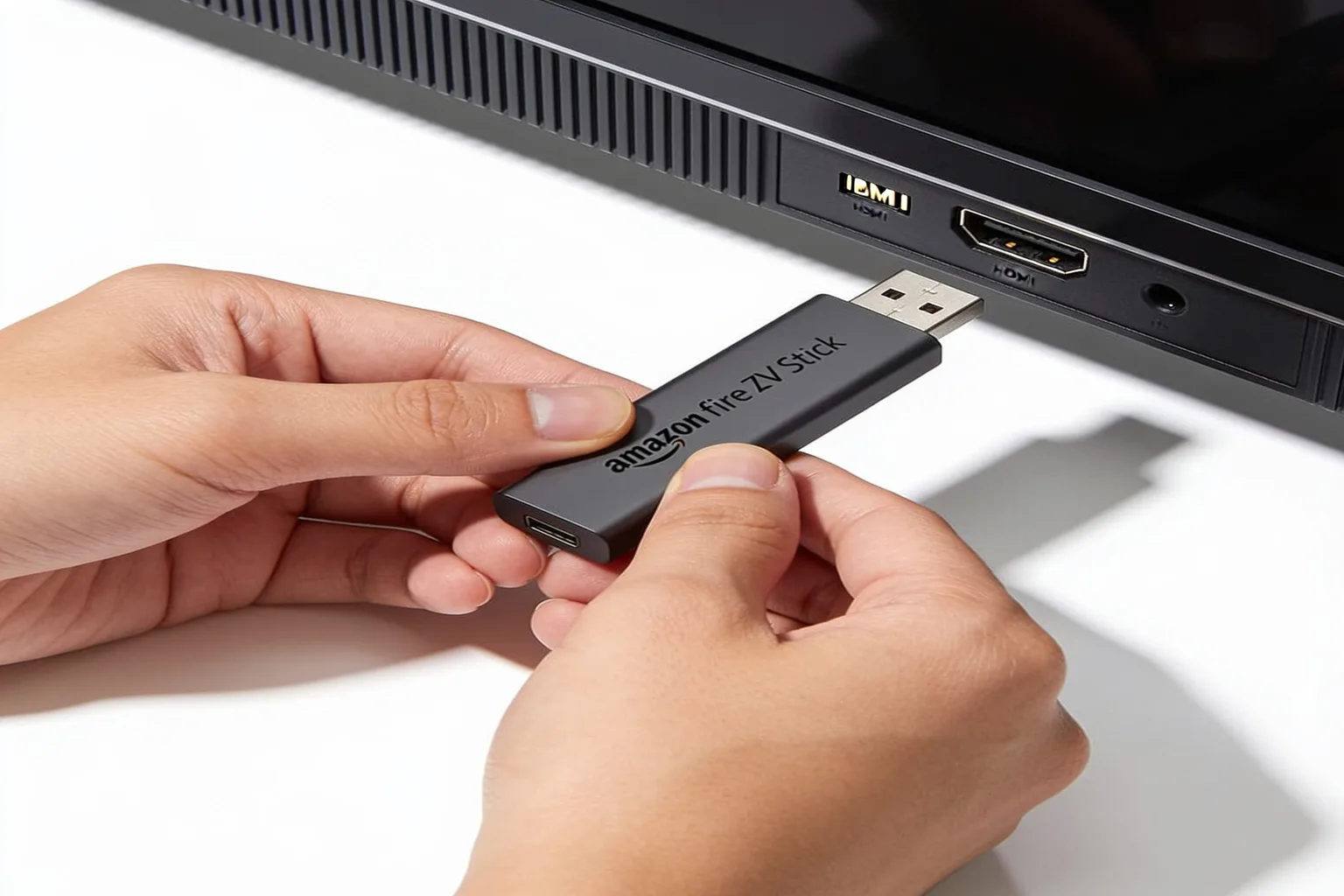
- Device reality: Fire TV Stick 4K Max (2nd Gen) and Fire TV Stick 4K handle 4K cleanly. Firestick Lite is fine for 1080p. Fire TV Cube is overkill but works. Aim for 10 Mbps HD and 25 Mbps for 4K streams.
TroyPoint-style long reviews own a lot of this SERP with affiliate links. Fine for shopping lists. Useless when you just need the exact login screens. That is what this page is for.
Best IPTV app for Firestick: shortlist
These five cover almost every customer we onboard. Rank is for Fire OS first, not Android phones.
- IPTV Smarters Pro - easiest Xtream login, clean Live / Movies / Series tabs, good default for first-time Firestick users.
- TiviMate - denser EPG, multi-playlist, catch-up when the line supports it. Premium unlock is worth it if you live in the guide.
- GSE Smart IPTV - free, flexible, accepts M3U and Xtream. Interface is busier, but it is reliable when Smarters is blocked by a firmware quirk.
- Perfect Player - lightweight, playlist-first, solid on older Firestick Lite units with tight storage.
- VLC for Fire TV - diagnostic tool more than daily driver. Great for testing a single M3U URL when a dedicated player misbehaves.
If you want a features matrix between the top two, we already published a deeper TiviMate vs IPTV Smarters comparison. This page stays on install order and login failures.
Prep once: Downloader and unknown sources
Amazon will not hand you the best IPTV app for Firestick from the Appstore in most regions. You install Downloader once, then sideload.
- Settings → My Fire TV → Developer Options → Install unknown apps → set Downloader to ON.
- Search the Appstore for Downloader by AFTVnews and install it.
- Open Downloader, allow file access, and keep the short code or APK URL from your activation email ready.
On older firmware, Developer Options can hide under My Fire TV → About until you click the device banner seven times. That is normal, not a brick.
Install IPTV Smarters Pro (default pick)
For most homes this is the best IPTV app for Firestick when the goal is "just make it work."
- In Downloader, enter the short code from your activation email (or the Smarters APK URL we send) and press Go.
- Install the APK when prompted. File size is usually 80-100 MB; give it two or three minutes on Wi-Fi.
- Open IPTV Smarters Pro → Add Playlist → Login with Xtream Codes API.
- Paste name, username, password, and server URL exactly as written. Include
http://orhttps://. - Wait for the first EPG pull. On a 50 Mbps line that is often 2-5 minutes for a full 24,000-channel list.
If login fails, re-type credentials by hand. Trailing spaces from email clients cause more "Invalid credentials" tickets than bad passwords do. Full screenshots live in the Smarters install article and the canonical setup guide.
Install TiviMate when you want a denser guide
TiviMate is the best IPTV for Firestick player if you channel-surf by EPG and run more than one playlist.
- Sideload TiviMate via Downloader the same way you did Smarters.
- Add playlist → Xtream Codes (preferred) or M3U URL.
- Set EPG source if your provider gives a separate XMLTV URL.
- Optional: unlock TiviMate Premium for multi-view and longer catch-up windows.
On Firestick Lite with only 8GB free storage, clear Downloader's APK after install. Leaving three player APKs around will fill the Stick and cause mysterious "can't update" errors later.
GSE, Perfect Player, and VLC as backups
GSE Smart IPTV is free and still a legitimate best IPTV app for Firestick candidate when corporate firmware blocks Smarters. Perfect Player shines on older Lite sticks because the UI is thin. VLC is the "does the stream even exist?" tool: load one M3U line, watch for 30 seconds, then go back to a real player for daily use.
Whatever you pick, keep one player only for daily watching. Running three concurrent apps against the same line is how people hit connection-limit kicks during Premier League kickoff.
Xtream vs M3U on Firestick
Xtream Codes API is three fields: username, password, server. It usually unlocks live, VOD, series, and EPG in one shot. M3U is a playlist file or URL. It can work great, but EPG often needs a second XMLTV URL, and series folders depend on how the provider structured the file.
Our activation emails include both. If a player only offers M3U, use that path and follow the longer walkthrough in the M3U playlist guide. Do not download random "free m3u forever" zips from Telegram. Those lists die in hours and are a common malware bait on Fire OS.
Network settings that stop Saturday freezes
Even the best IPTV app for Firestick cannot outrun a congested 2.4 GHz Wi-Fi radio.
- Prefer 5 GHz Wi-Fi or a USB Ethernet adapter on Fire TV Stick 4K Max.
- Set DNS to Cloudflare 1.1.1.1 or Google 8.8.8.8 if your ISP throttles streaming ports.
- Keep at least 25 Mbps free for 4K; 10 Mbps is the floor for 1080p.
- If only live sports freeze, open a ticket so support can pin you to a closer edge. That is what Anti-Freeze routing is for on our lines.
For the full buffering checklist (cache, overlays, dual-band conflict), see Firestick IPTV buffering fix.
FAQ: best IPTV app for Firestick
What is the best IPTV app for Firestick in 2026?
IPTV Smarters Pro for simple Xtream login, TiviMate for a denser EPG, GSE if you need a free flexible client. Start with Smarters unless you already know you hate its UI.
What is the best IPTV for Firestick for live sports?
Pick a provider with real edge capacity on match nights, then use Smarters or TiviMate on Fire TV Stick 4K Max. Hardware and DNS matter as much as the logo on the player.
Do I need Downloader?
Yes for Smarters, TiviMate, and most serious clients. Install Downloader from AFTVnews, enable unknown sources for that app only, then sideload.
Xtream or M3U?
Xtream when available. M3U when that is all the player accepts or all the provider sent. Our trial includes both formats.
Why authentication failed?
Trailing spaces, missing protocol on the server URL, or an expired trial line. Re-type from the activation email and retry once.
Next step: test the line, then pick a plan
Install the best IPTV app for Firestick for your style, load the trial credentials, and watch a live sports channel plus one 4K VOD title. If the picture holds, choose a plan on pricing or keep exploring the channel list. If something breaks, contact support with your device model and a screenshot of the error. That beats bouncing between five random APKs from a search result.